

Latest Version
Lude Studio
Media
Windows
Free
9phfbtkcdcl7
Report a Problem
More About Screen Recorder - App
The Ultimate Solution for Quick Desktop Captures
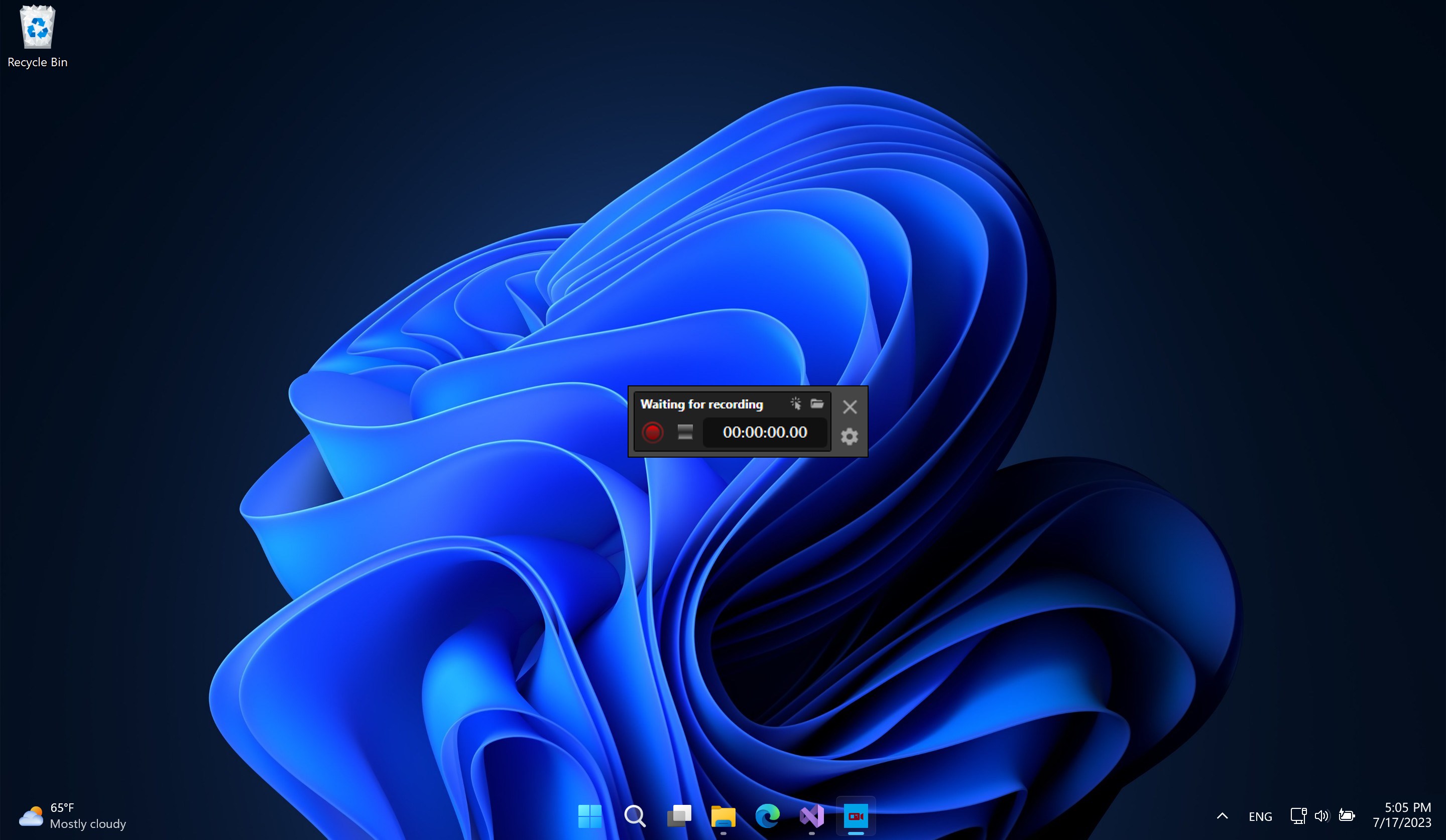
Imagine you are in the middle of an intense gaming session, or perhaps you are presenting a vital slideshow to a remote team, and you need to document the moment instantly. Setting up complex, bloated broadcasting software can ruin the flow. This is where the Screen Recorder - App by Lude Studio steps in to streamline your workflow. Designed specifically for Windows, this lightweight utility strips away the steep learning curve of traditional capture software, allowing you to record your screen and audio with just a few clicks.
Key Features of Screen Recorder - App
Whether you are creating educational content or saving online streams, this software provides a robust set of tools tailored for daily use:
- Flexible Media Capture: Easily record online videos, fast-paced gameplay, PowerPoint presentations, and dynamic slideshows without performance lag.
- Synchronized Audio Input: Capture system sound alongside real-time voiceovers using your device's microphone.
- Visual Touchpoints: Enhance instructional videos by displaying screen touchpoints directly in the recorded output.
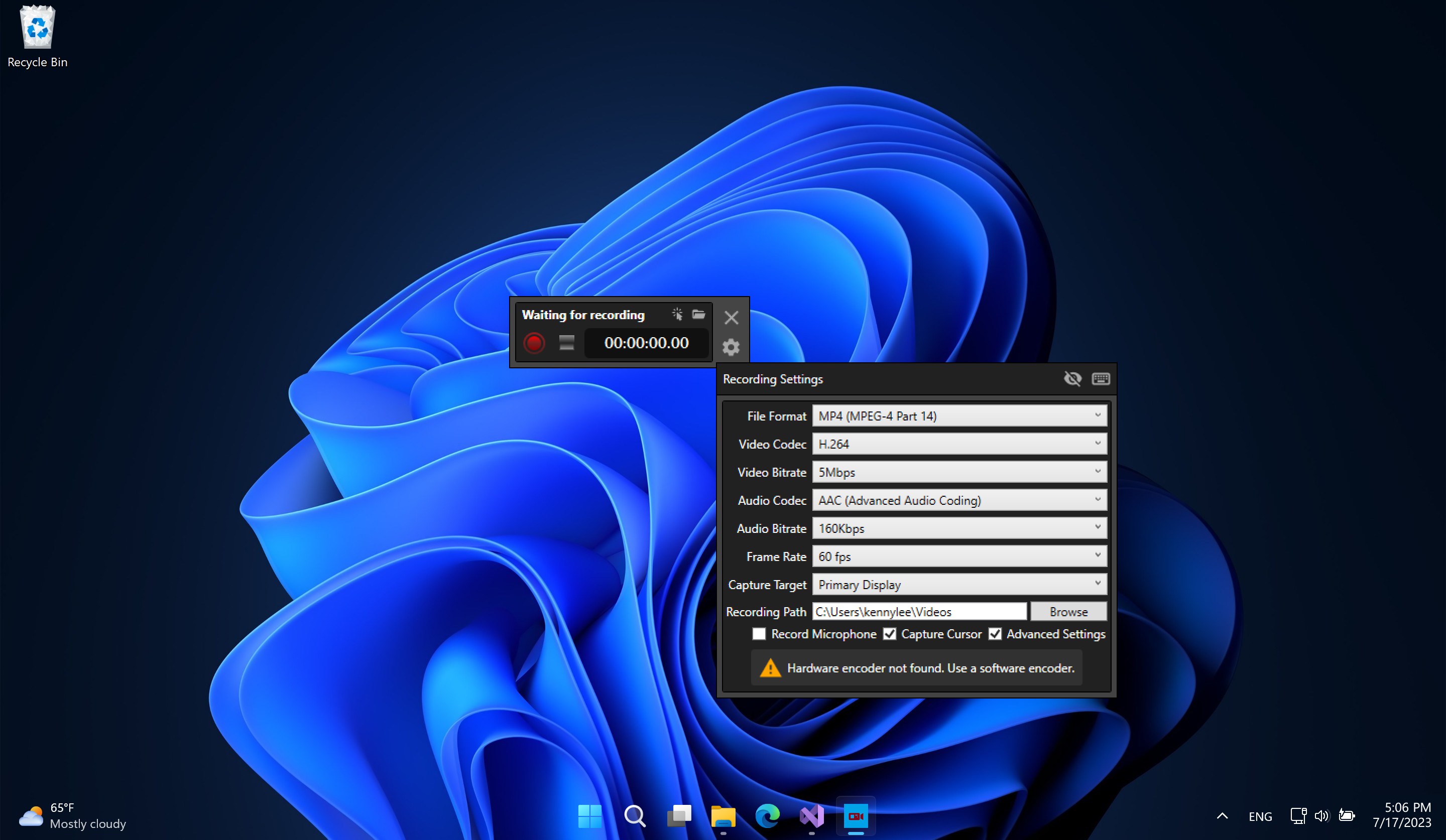
- Customizable Output Settings: Tailor your video files by choosing your preferred recording resolution, frame rate, and bit rate to balance quality and file size.
Who Is This Windows Utility For?
The Screen Recorder - App screen recording tool is highly optimized for educators, remote professionals, and casual content creators. If you need to produce quick tutorials, archive webinars, or share gameplay clips without spending hours configuring settings, its clean interface makes it exceptionally accessible. It avoids the clutter of professional editing suites, focusing instead on delivering a reliable, high-quality raw capture every single time.
An Efficient, No-Fuss Capture Experience
What sets the Screen Recorder - App apart is its straightforward approach to utility design. By giving users direct control over essential parameters like bit rate and frame rate, Lude Studio ensures you do not have to compromise on video clarity. If you are looking for a dependable tool to document your digital workspace, we highly recommend checking out this application. To explore its features firsthand, visit the official Microsoft Store to acquire the app for your Windows device.
Rate the App
User Reviews





Popular Apps










Editor's Choice